
This is the app. One real run, start to finish.
Not a mockup and not a concept video: these are screenshots of the running app during a real run on a real machine. One playlist link went in; a sorted crate came out, one click from Rekordbox. The finished set from an earlier run is on the sample crate page. What you see here is what installs.
version 20260720.2028 · captured 21 July 2026Paste the link
One box. A Spotify, Apple Music or YouTube playlist link, a screenshot of a tracklist, or names typed by hand. The folder bar above it shows exactly where downloads will land.
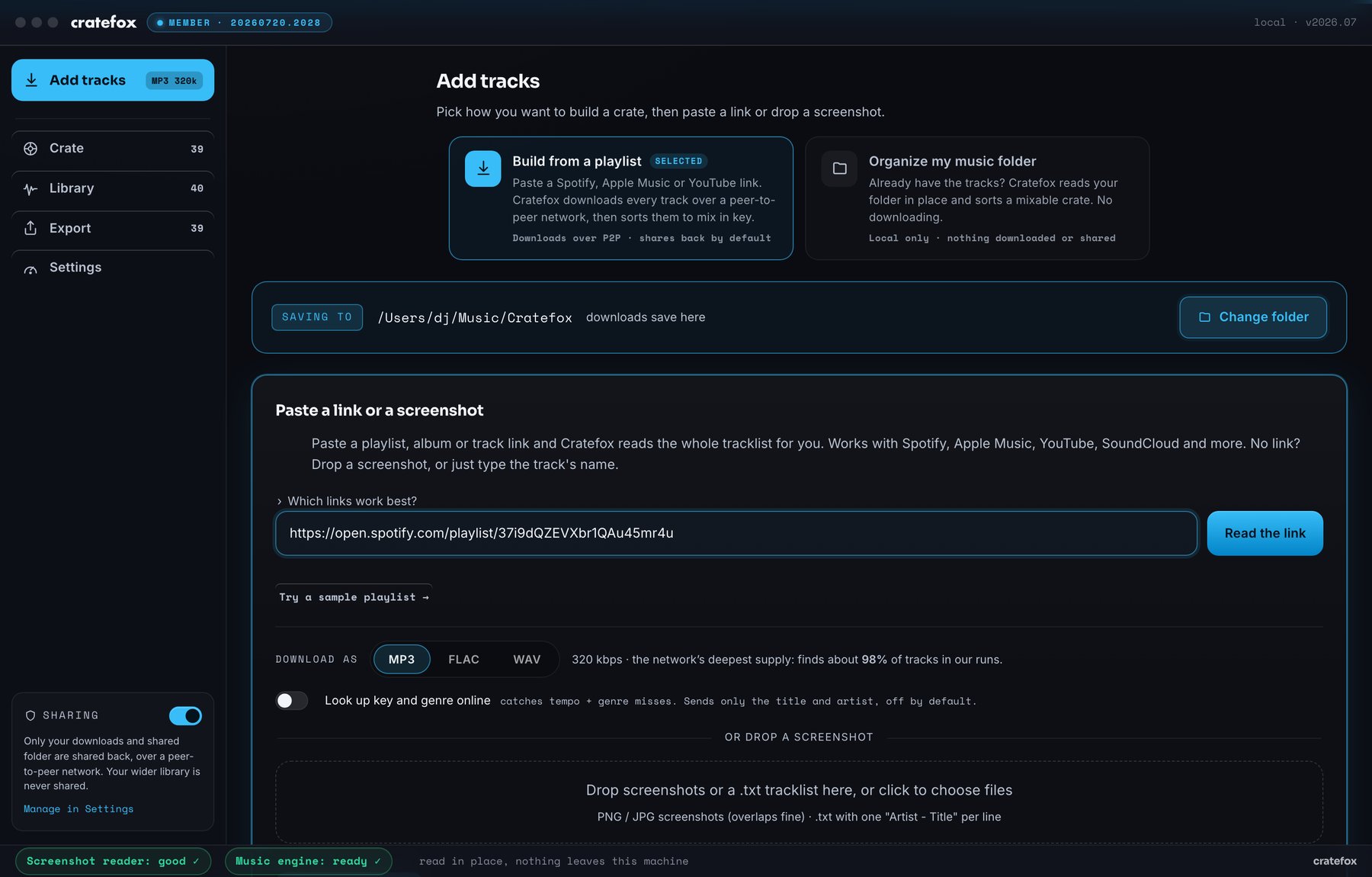
It reads the titles and names
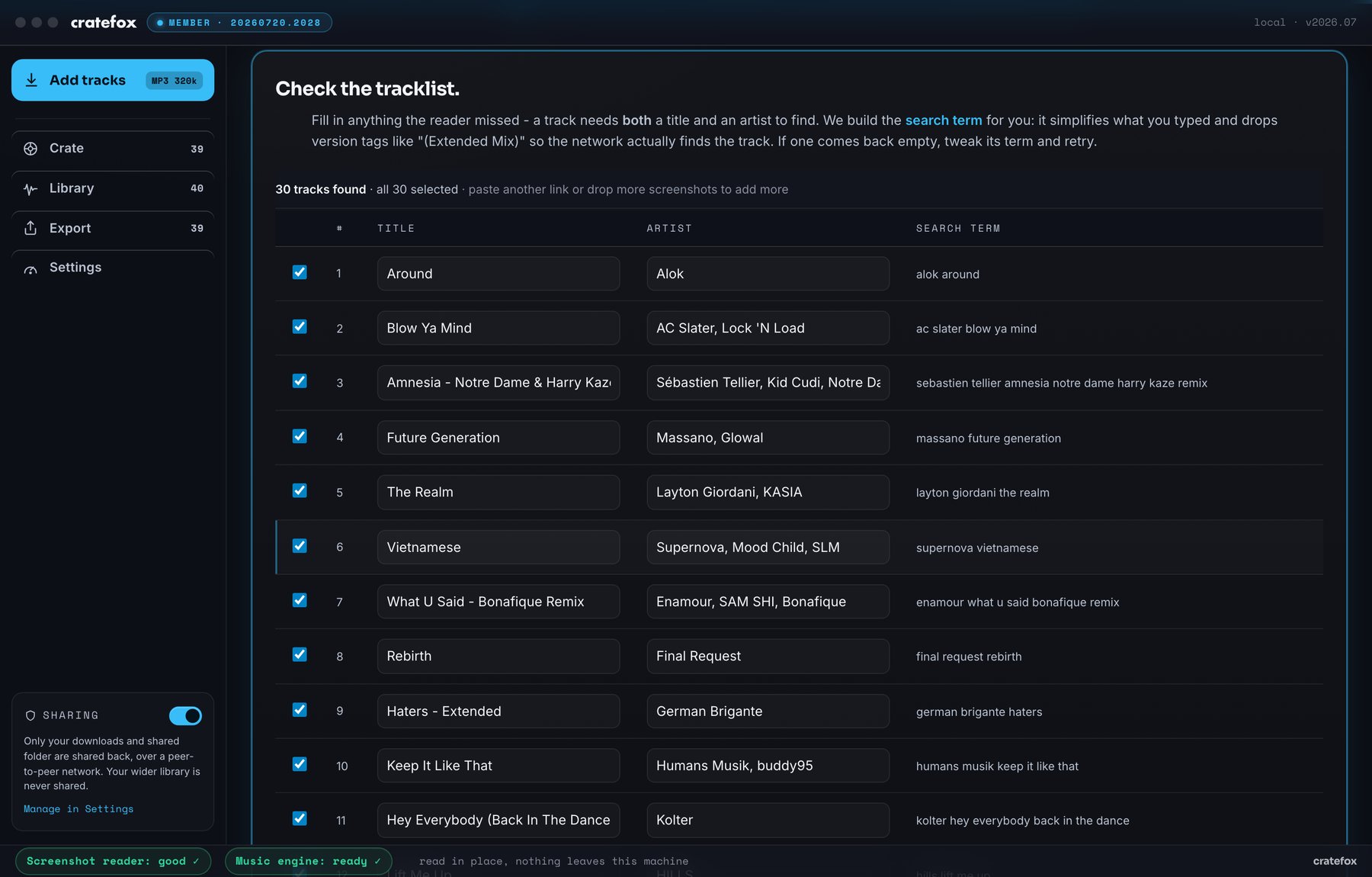
The link is read for track names only, no streaming login involved. 30 tracks came back with a search term built for each. Anything the reader missed you can fix by hand before starting.
One button starts it
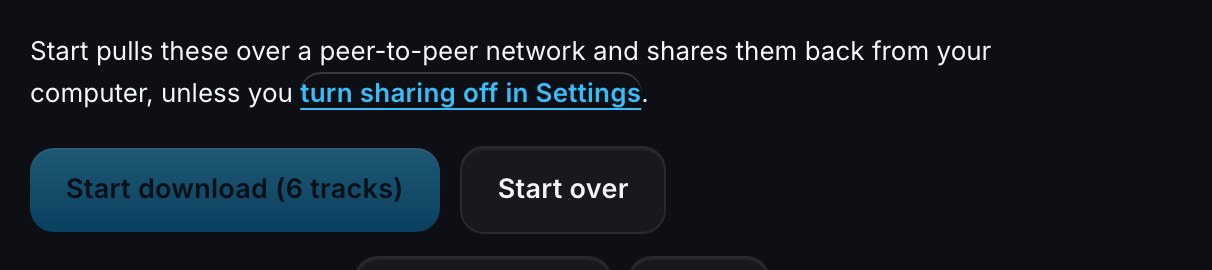
The plain-words note above the button says what happens: tracks download over your own connection, and downloads are shared back by default with a switch in Settings to turn that off.
Watch them download
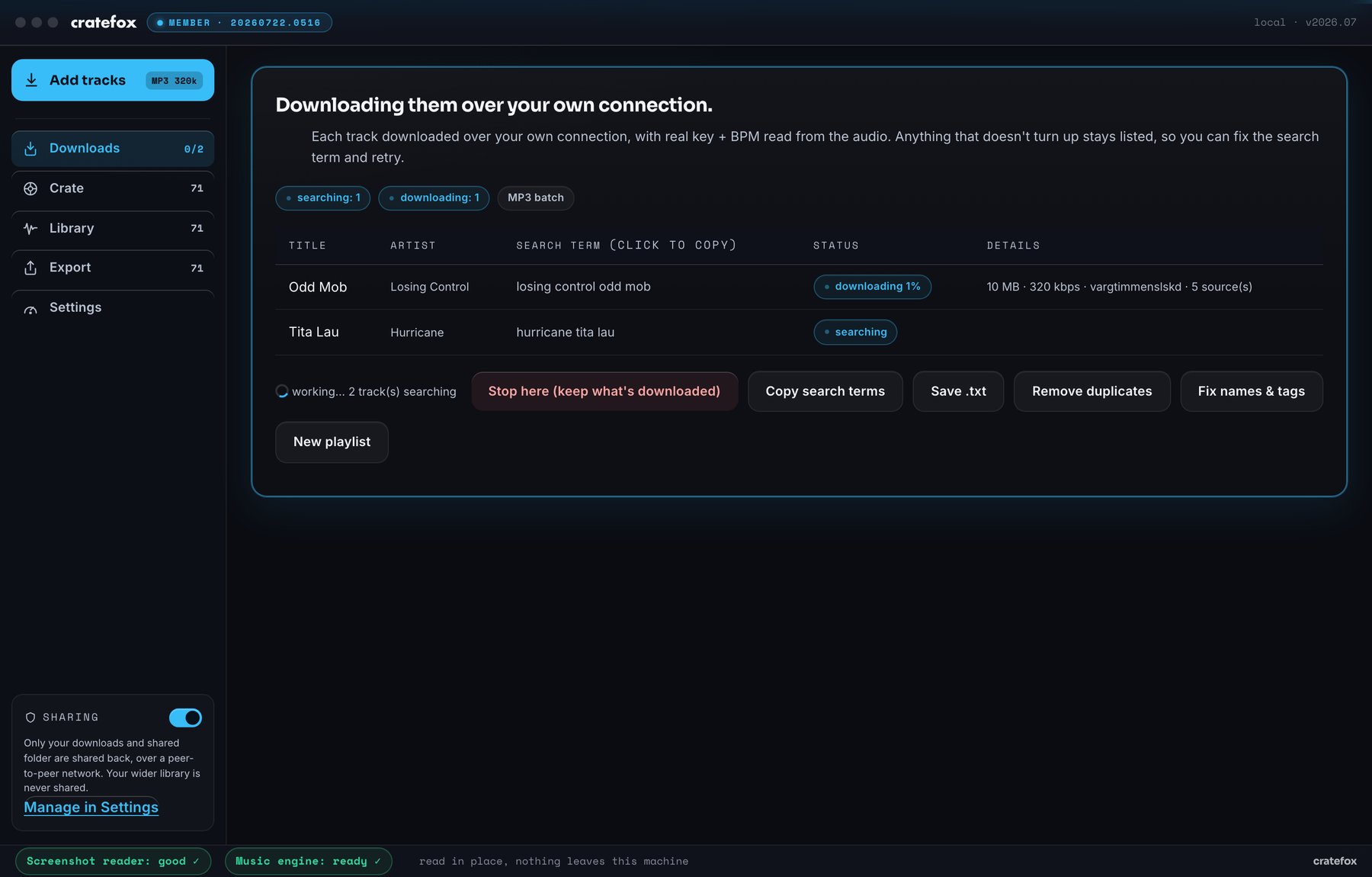
The run lives in its own Downloads tab now, with a live badge in the sidebar that counts tracks as they land and turns green with a check when the run is done. Live states per track: searching, queued, downloading with a percentage, and the source count and bitrate next to each. This is the moment mid-run, exactly as the app showed it.
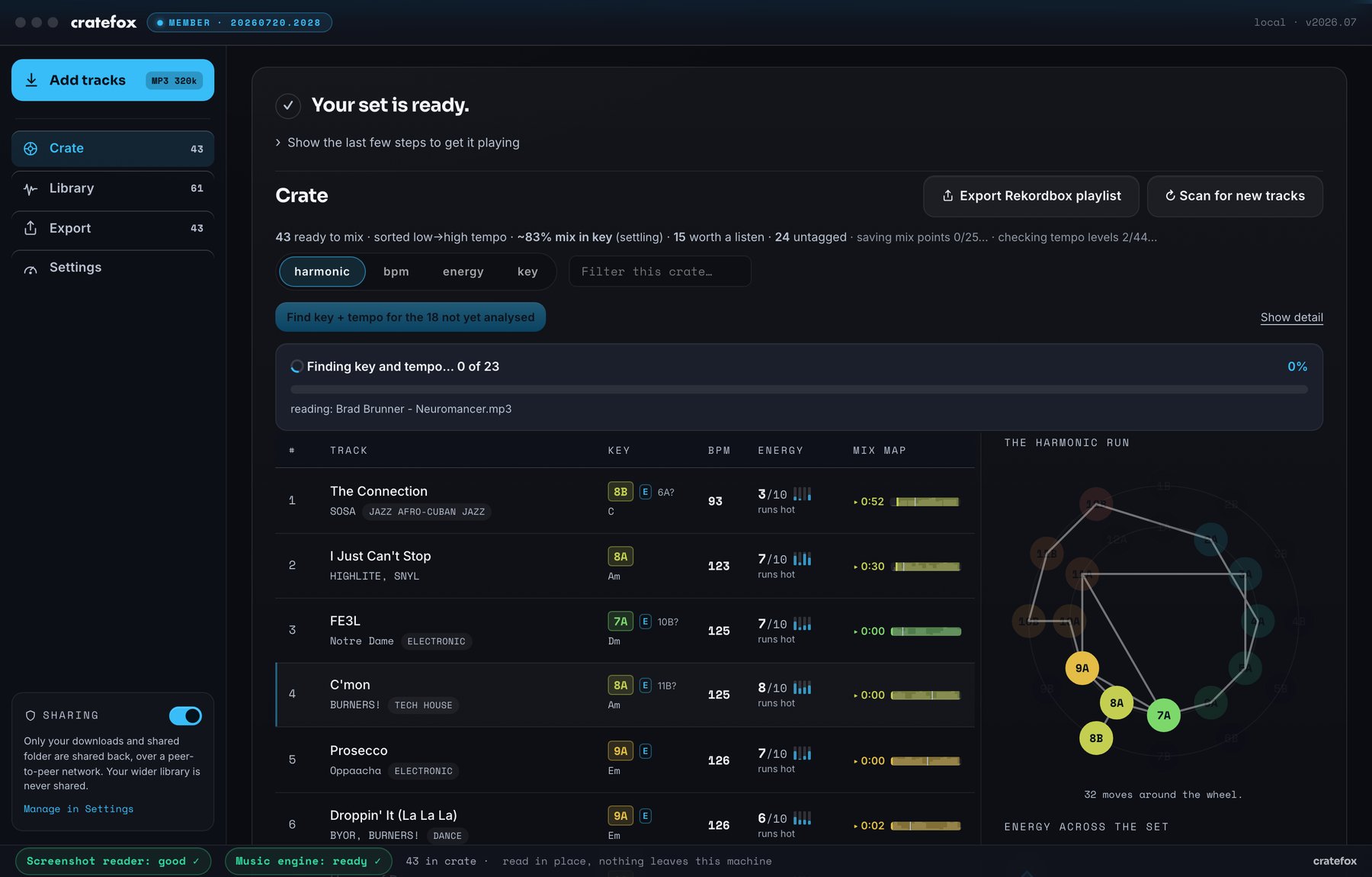
Your set is ready
When the run lands, the crate is what you see: the ready banner folds its steps behind one line. The new downloads join the tracks already on this machine, 43 in the crate at this frame, and the set sorts itself low to high in tempo while keys are still being read from the audio.
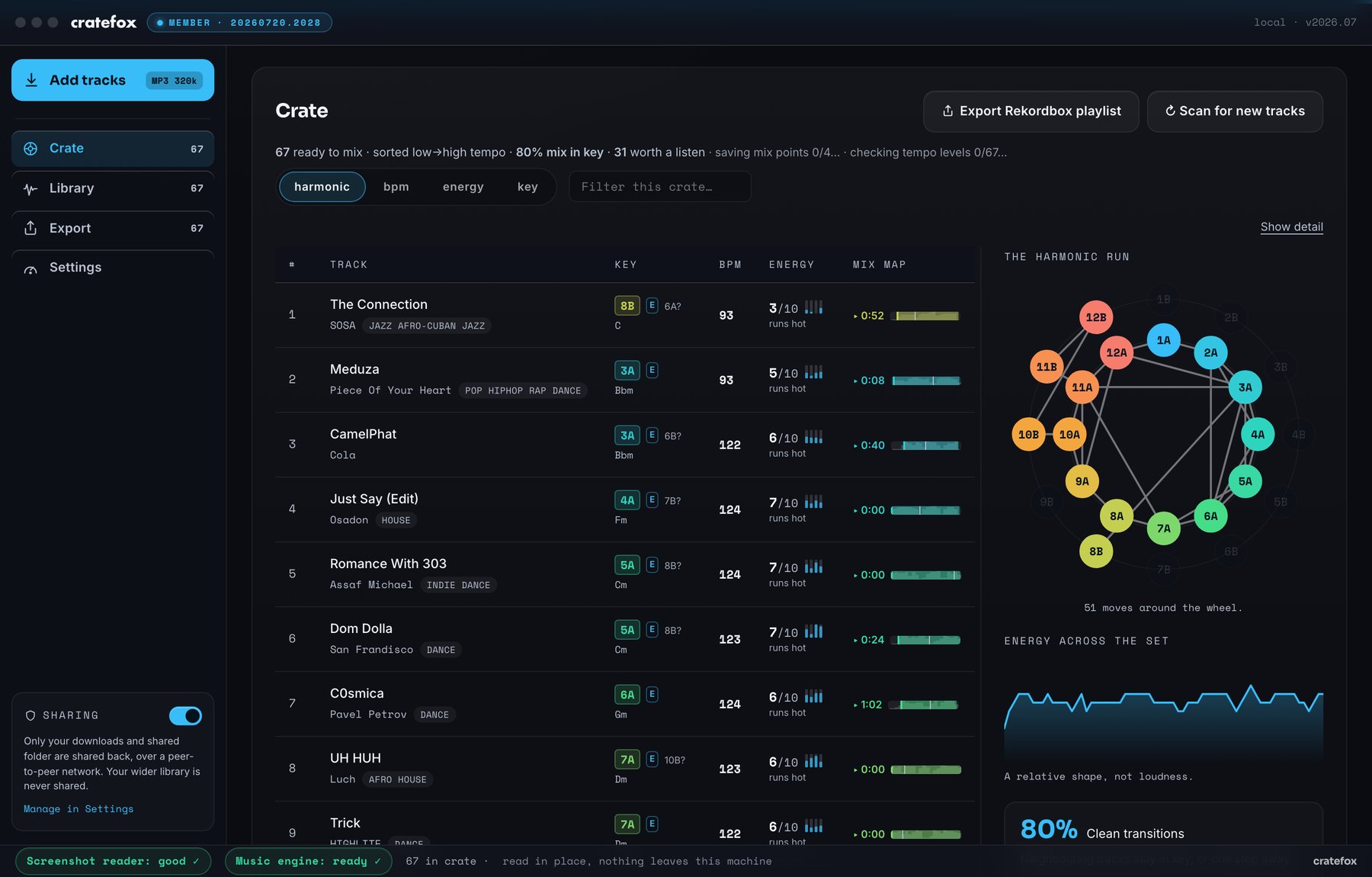
The crate, sorted to mix
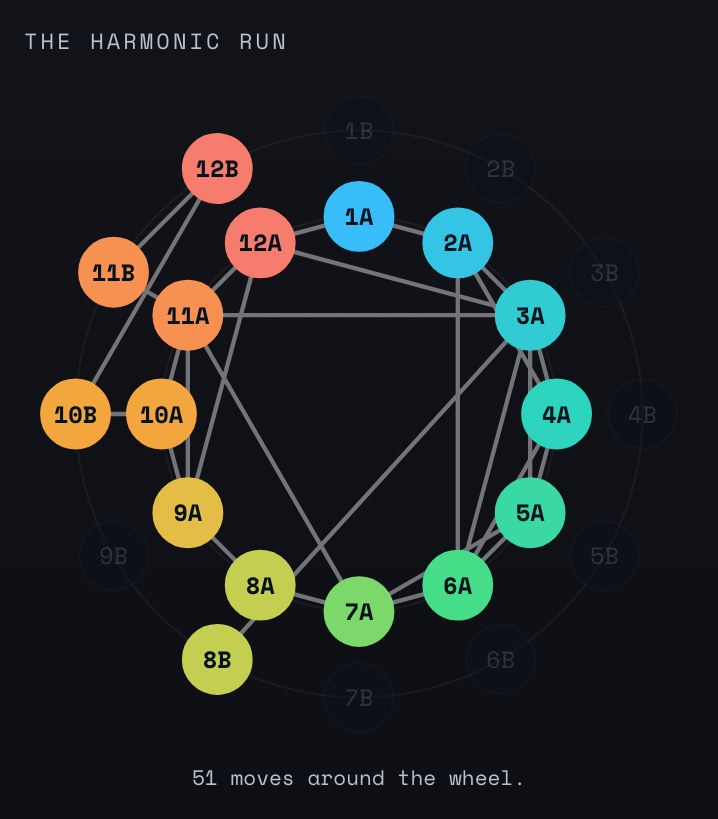
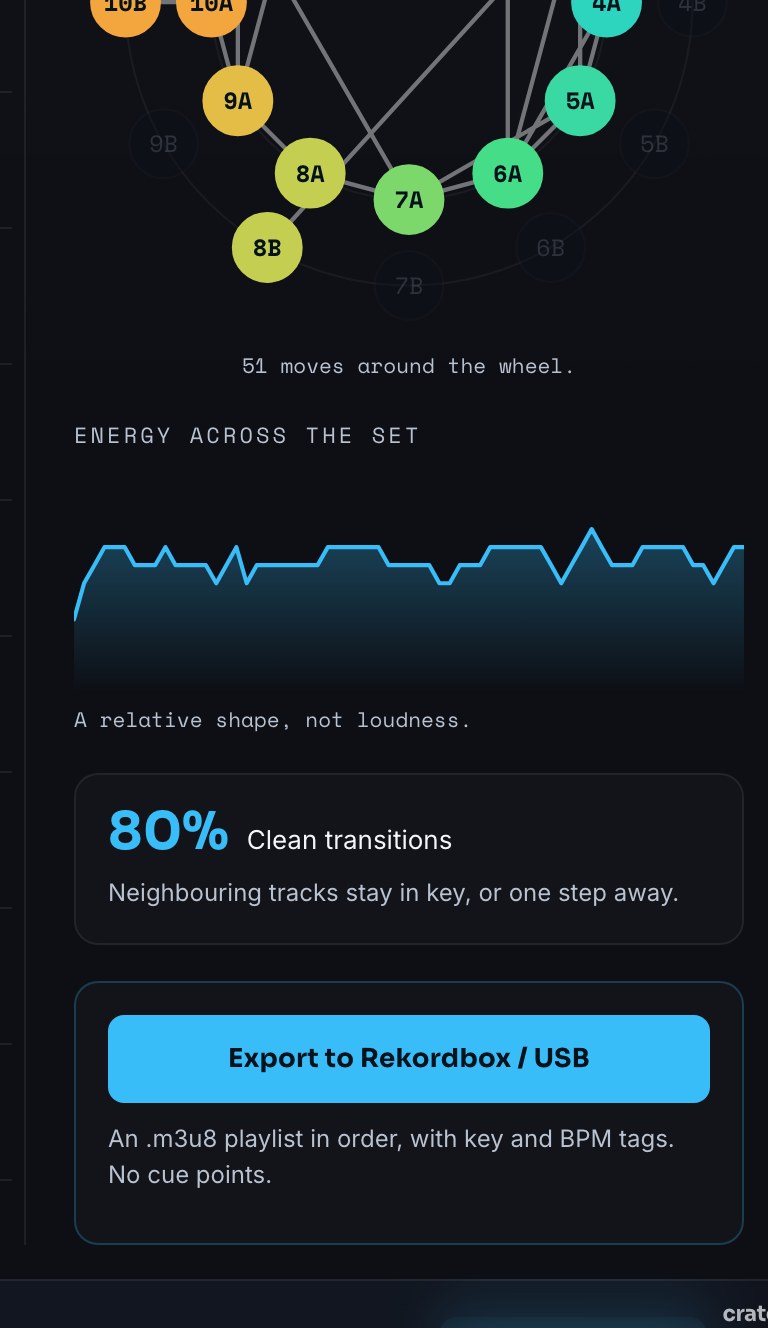
A few minutes later the reads have settled: 67 tracks, each with its key, tempo and energy, honest flags on the 31 keys worth a listen, and the two reads that shape a set: the harmonic run around the Camelot wheel and the energy arc across the night.
Export
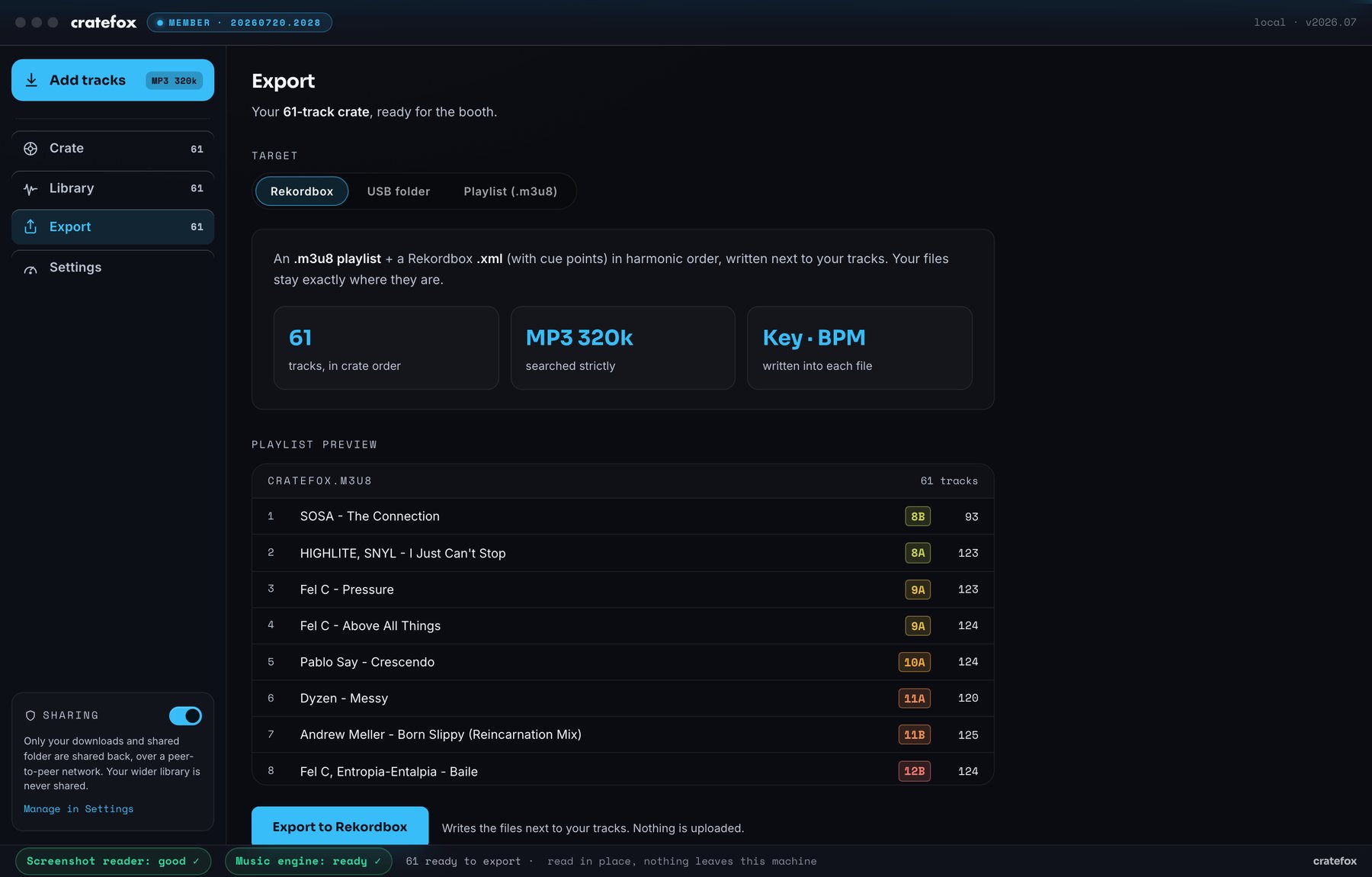
Rekordbox, Serato, a USB folder, or a plain playlist. Rekordbox gets a playlist and a cue-point .xml next to your tracks; Serato gets a crate added straight to its library, Pro or Lite, with nothing in it changed or removed. Crate order, key and BPM in every tag, and Traktor and Engine DJ read the same tags.
Try it on your playlist.
Cratefox is invite-only while it is in beta. Request a code and you are in the next batch.
Get your invite → See the exported sample crate →